FDM 3D Printing: Prototype to Product, No Tooling Bill
FDM 3D printing lets brands prototype faster, test physical variants, and produce small-batch branded objects—no tooling costs, no minimums.
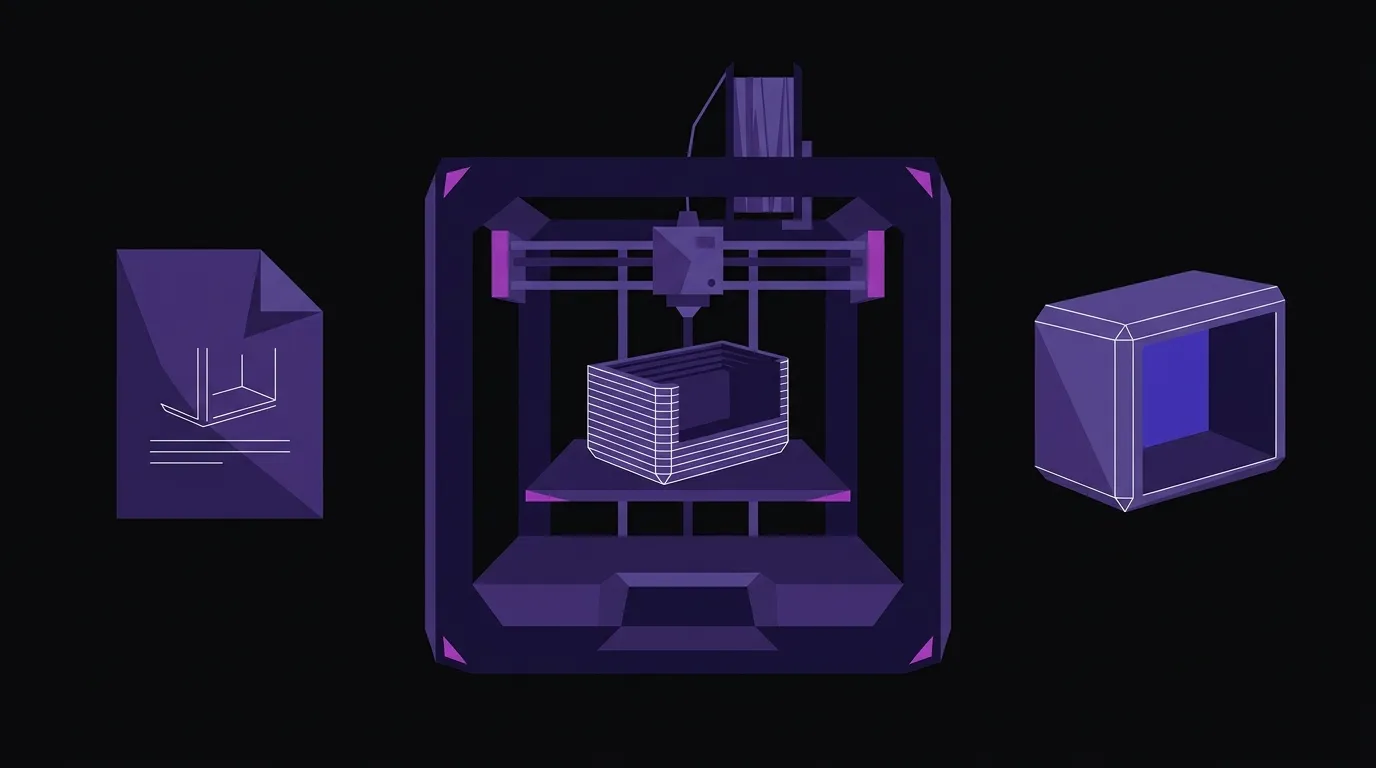
The traditional path from design idea to physical object has a tax built into it: tooling. Injection molds, dies, and production setups cost thousands of dollars before a single unit ships. That cost structure punishes iteration and makes small-batch production economically brutal. FDM 3D printing doesn’t eliminate manufacturing—but it moves the economic breakeven point dramatically, and a set of maturing tools is making the gap between digital design and physical object smaller every month.
This matters most at three specific moments in a brand’s life: when you’re testing a product concept, when you need a limited run of physical branded objects, and when you need custom fixtures or components that no off-the-shelf vendor will make in quantities of five.
The Design-to-Print Workflow Is Getting Shorter
The bottleneck in desktop fabrication has never really been the printer. It’s been the prep work between a design idea and a file that’s actually ready to print. That gap is narrowing fast.
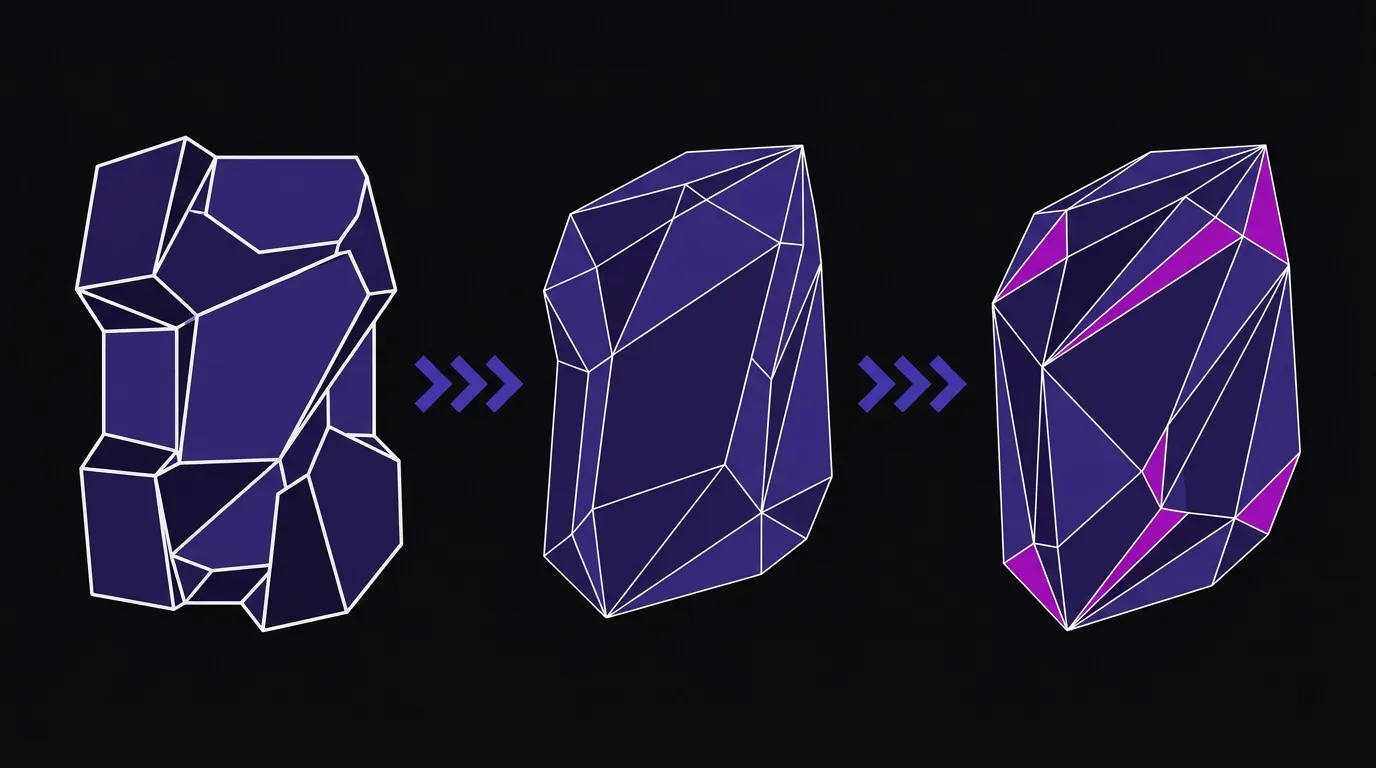
Hyper3D’s Rodin Gen-2.5 platform, showcased at Formnext Asia Shenzhen, illustrates where AI-assisted design tools are heading. As 3DNatives reports, the platform now handles mesh repair, regional editing, and automated part separation—tasks that previously required a skilled 3D modeler to do manually. Its BANG part-separation tool analyzes a model’s geometry and divides it into closed, printable components automatically, including recursive splitting for complex assemblies. That’s meaningful for anyone who doesn’t have a full-time CAD operator on staff.
The geometry resolution question is also worth understanding. The same 3DNatives report notes that the platform generates meshes from lightweight rapid-ideation outputs up to 10-million-face high-detail meshes—and critically explains that more faces aren’t automatically better. For most prototyping and small-batch FDM work, a medium-density mesh captures everything the printer can actually reproduce. The practical implication: you can generate a printable model in seconds rather than hours, with the geometry matched to what your printer can deliver rather than what looks good on screen.
For brand owners, this compression of the design-to-file pipeline means a design review that used to require a two-week sample lead time now requires an overnight print queue.
FDM Earns Its Place in Three Specific Jobs—and Fails at One
FDM—fused deposition modeling, the process where a heated nozzle lays down successive layers of thermoplastic filament—is the right tool for a specific set of jobs. It’s fast, material costs are low, and the machines are reliable enough to run overnight. Where it earns its place in a brand context:
Concept prototypes. A packaging shape, a product enclosure, a display fixture—anything where you need a physical object to evaluate proportion, ergonomics, or fit before committing to production. The ability to print Monday, evaluate Tuesday, and revise Wednesday is genuinely different from the traditional sample-request cycle.
Functional small-batch objects. Trade show giveaways, branded components, custom retail fixtures, product holders—objects that need to exist in quantities of 10 to 200 and don’t need the surface finish of injection molding. FDM handles this well with the right material selection and post-processing.
Custom fixtures and jigs. This is underused by most brands. A fixture that holds your product at a specific angle for photography, a jig that guides assembly, a custom insert for a shipping box—these are one-off or very-small-run items that no vendor will produce economically. FDM makes them trivial.
What FDM doesn’t replace: high-volume production, parts requiring tight dimensional tolerances across large runs, or applications where surface finish is non-negotiable without post-processing. Know what you’re asking it to do.
Apple’s Hinge Is a Signal, Not a Benchmark
Apple’s recently announced iPhone Duo—its first foldable phone, priced at $1,999—uses 3D printing in two distinct ways inside its hinge assembly. As 3D Printing Industry reports, the hinge cover is made from 3D printed recycled titanium, while a separate in-line process uses a confocal laser to scan each hinge and then 3D prints up to 25 micro-layers of a custom photopolymer to eliminate surface waviness—unit by unit, in production.
That second application is the interesting one. Apple is using additive manufacturing not as a prototyping step but as a per-unit calibration tool inside a mass-production line. The reason: a hinge with 100+ components has variation that’s more economical to correct additively than to eliminate through tighter tolerances upstream.
The lesson for smaller brands isn’t “use industrial metal printing.” It’s that the logic of additive manufacturing—add material only where needed, customize per unit, skip the tooling—applies at every scale. Apple is applying it to millions of units; the same logic applies when you’re making 50.
FDM as a Creative Surface, Not Just an Engineering Tool
Apple’s hinge story is about precision; MIT CSAIL’s ShiftLens research is about expression—but both point to the same shift: additive manufacturing as a design tool embedded in the final object, not just the path to it.
Research out of MIT CSAIL, covered by Hackaday, demonstrates a 3D-printable lenticular indicator system called ShiftLens. The concept: a transparent lens layer printed over a patterned color layer, with a mechanical actuation mechanism that shifts one layer relative to the other to create a changing color or visual effect. One demo application is a bottle closure indicator—the visual state of the label changes based on whether the container is sealed correctly.
That’s a functional, printable visual element that would have required injection-molded lenticular tooling to produce traditionally. Printed, it’s a design detail that a small brand could prototype and test on a physical product in a day.
This is the broader point: FDM isn’t just for structural parts. Transparent filaments, multi-material printing, and increasingly sophisticated print-in-place mechanisms mean that functional surface details—indicators, textures, moving elements—are now within reach for brands that want to differentiate physical products without a production tooling investment.
Our 3D printing and prototyping work sits at exactly this intersection—using desktop FDM to help brands move from a design file to a physical object they can evaluate, modify, and in some cases use directly.

Three Iterations Beat One Perfect Print Every Time
If you’re considering FDM for the first time, the sequence that works:
Start with a prototype, not a production run. Define the one physical question you need answered—does this shape feel right in hand? Does this fixture hold the product at the right angle?—and print to answer that question. Don’t try to design a finished product on the first pass.
Match geometry to the printer, not the screen. A model that looks detailed in CAD may print with the same result at a lower polygon count. Work with whoever is preparing your files to right-size the mesh for your actual output.
Plan for post-processing. FDM parts have visible layer lines. For concept prototypes, that’s fine. For anything customer-facing, budget time for sanding, priming, or painting. The print is the starting point, not the finished object.
Use iteration aggressively. The economic case for FDM is strongest when you use the speed advantage. Three printed iterations that each answer a specific question will get you to a better final design than one carefully considered print that tries to answer everything at once.
The tooling-cost barrier that once made physical product development the exclusive domain of well-funded companies is genuinely lower now. The workflow tools are catching up to the hardware. Brands that treat FDM as a design tool—not a manufacturing fallback—compress the gap between idea and validated product by weeks. That’s the advantage. The hardware is ready; the only question is whether your process is.
Ready to Print Your First Prototype?
We use desktop FDM to help brands move from a design file to a physical object they can actually hold, test, and refine. No tooling minimums, no long lead times.