
Your website is available 24 hours a day, 7 days a week, and it’s usually the first impression a potential client gets of your business. Here’s how to make sure it’s doing its job.
Think about your most reliable employee. The one who shows up without fail, never asks for a day off, and is always available to answer a question, make an introduction, or close a sale. Now consider that you already have someone doing exactly that job — your website. It’s on duty right now. At 3am. Over the holidays. While you’re on a job site, on a call, or on vacation.
The question isn’t whether your website is working. As Basch Solutions puts it, before a potential customer calls, before they email, before they walk through your door — they visit your website. And in those first few seconds, they make a decision. The question is whether your website is making the right one for them.
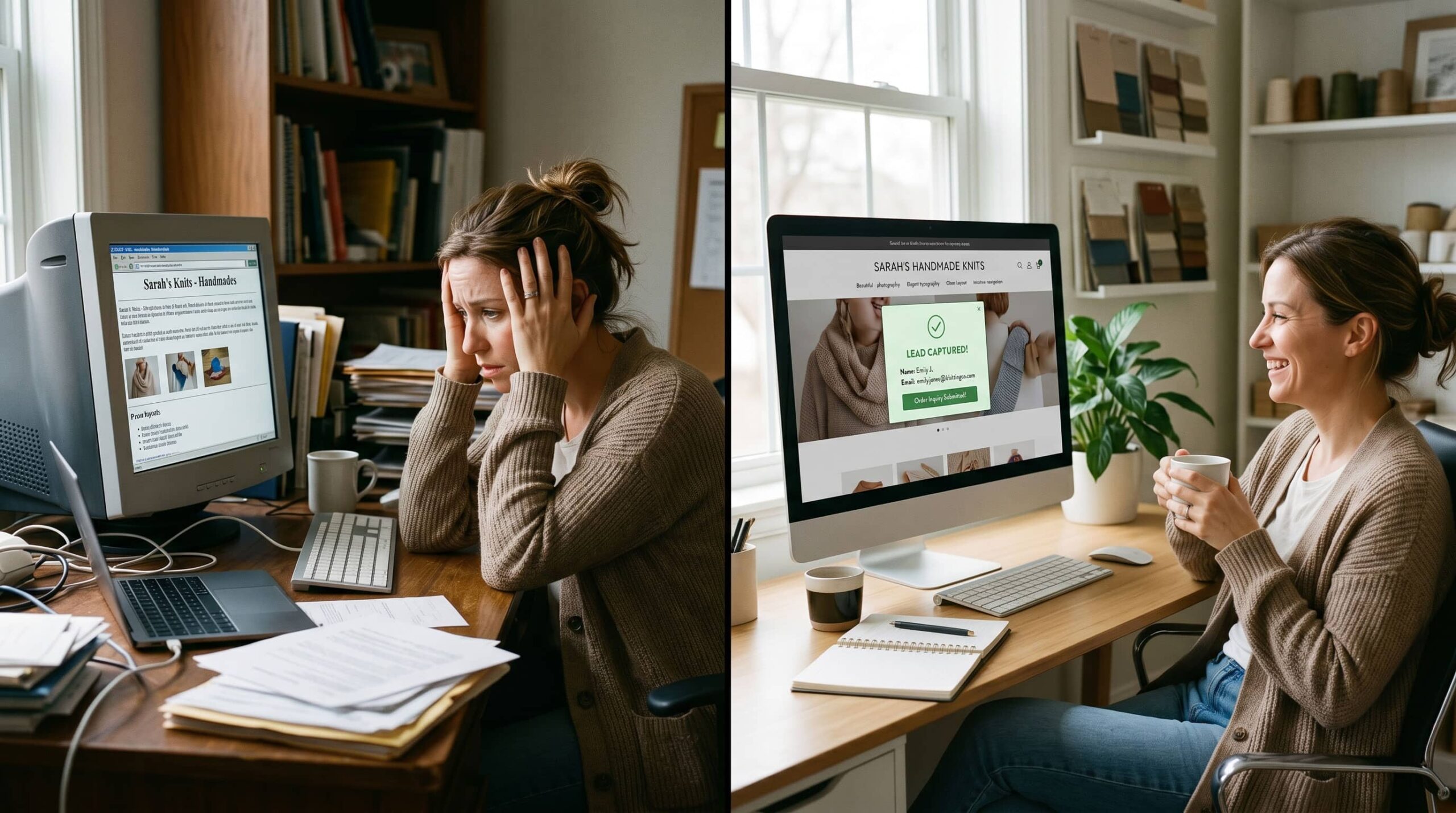
For most small businesses, the honest answer is no. Raul’s Web Studio frames it well: most small business websites function like a digital brochure — pretty, passive, and not driving revenue. A cost center masquerading as a growth tool. The site exists. But it isn’t working.
Here’s what a small business website that actually earns its keep looks like — and how to know if yours is falling short.
Your Small Business Website’s Job Description
Most business owners think of their website as a digital home base — a place people can find them. That’s the minimum. Solstice Collective describes what a genuinely hard-working website actually does: it educates clients, answers questions, guides visitors through your services, and encourages them to take the next step. It builds trust before the first conversation. It answers questions before the first email. It filters the right clients in while quietly discouraging the wrong ones.
That’s a real job description. And like any job, it requires the right tools, the right setup, and regular check-ins to make sure it’s being done well. Here’s what that looks like in practice:
01 Make a Strong Small Business Website First Impression in Seconds
Visitors form an opinion about your business within a few seconds of landing on your site. That judgment — professional or amateur, trustworthy or uncertain, worth contacting or worth clicking away from — happens before they’ve read a single word. Your design, your page speed, and your above-the-fold content all contribute to that first impression. A slow, cluttered, or visually dated website communicates something about your business whether you intend it to or not.
02 Communicate Clearly What Your Small Business Does and Who It’s For
A visitor who can’t immediately understand what you do and whether you’re relevant to their problem will leave. It’s not rudeness — it’s how attention works. Your homepage headline isn’t the place for clever wordplay or vague brand language. It’s the place for a single, clear answer to the question every visitor asks the moment they arrive: “Is this for me?” If they have to scroll or dig to find that answer, most won’t bother.
03 Load Fast and Work Perfectly on Every Small Business Website Device
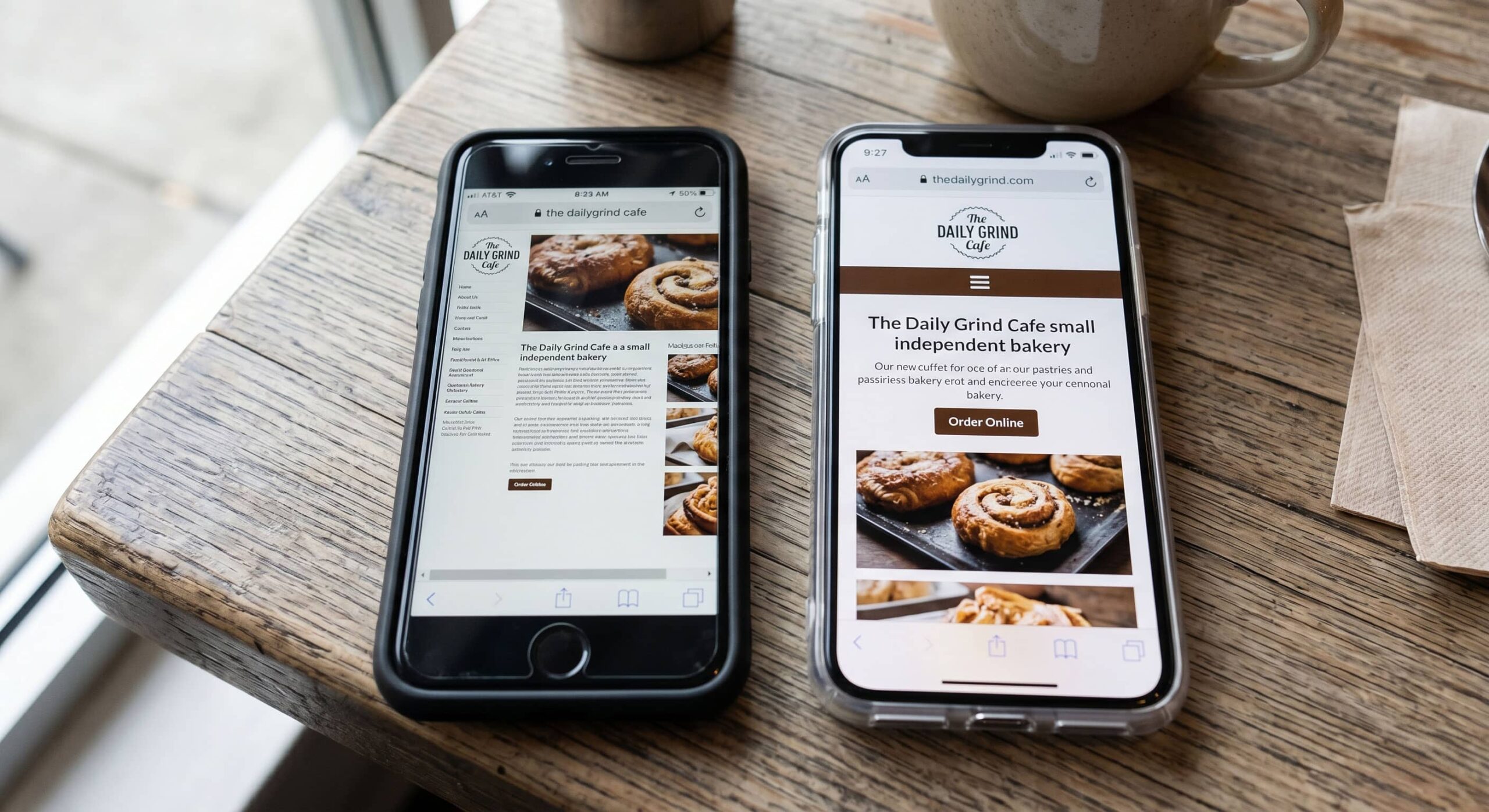
Over half of all web traffic is mobile. A website that looks great on a desktop and breaks on a phone isn’t a functional website — it’s a website that works for roughly half your audience. Page speed matters for the same reason: every additional second of load time increases the likelihood a visitor will leave before the page finishes rendering. Google’s Core Web Vitals are the benchmark — if your site isn’t hitting green scores, you’re losing visitors and ranking simultaneously.
04 Convert Small Business Website Visitors Into Leads With Clear CTAs
A visitor who is interested in your business and has no clear path to take action is a lead you’ve lost. Research cited by First & 42 shows that a significant share of small business websites lack clear calls to action — which directly limits conversion. Every page of your site should have one primary action you want the visitor to take. Not five options. One clear, frictionless next step that moves them toward a conversation with you.
05 Run Automated Small Business Website Follow-Up While You Sleep
A contact form that fires an email into an inbox and waits for a human to respond is the minimum viable lead capture. The businesses that get the most out of their website go further: automated follow-up sequences that respond immediately, qualify the lead, and keep the conversation warm until there’s time to engage personally. Connected to a CRM, your website stops being a passive form and becomes the front end of a system that works on your behalf around the clock.
06 Track Small Business Website Performance So You Know What’s Working
You wouldn’t keep an employee whose performance you never reviewed. Your website should be held to the same standard. Google Analytics shows you how many people are visiting, where they’re coming from, and what they’re doing once they arrive. Google Search Console shows how your site is performing in search. These tools are free and they’ll tell you, quickly, whether your website is pulling its weight or coasting.

Warning Signs Your Small Business Website Isn’t Doing Its Job
Most small business owners launched their website at some point and haven’t revisited it since. The services listed reflect an older version of the business. The design feels dated. The contact form still goes to an inbox that gets checked twice a week. The site exists, but it’s not working.
Here are the signs that your website has quietly stopped earning its keep:
⚠ Signs Your Small Business Website Isn’t Doing Its Job
- Outdated content — services, pricing, team, or portfolio that no longer reflect the current business
- No clear call to action above the fold — visitors don’t know what to do when they arrive
- Slow load times — failing Core Web Vitals on mobile or desktop
- Not mobile-optimized — layout breaks or requires pinching and zooming on a phone
- No lead capture beyond a basic contact form — no automation, no immediate follow-up
- No analytics in place — no visibility into traffic, bounce rate, or conversion
- Design that looks like it was built more than three years ago — dated design signals a dated business
- Pages that take more than three clicks to find basic information
Treating Your Small Business Website Like the Employee It Is
You wouldn’t hire someone, give them no tools, no direction, and no performance feedback, and then be surprised when they underperformed. But that’s exactly the relationship most small businesses have with their website. It got built, it went live, and then it got left alone.
A website that performs like a top employee needs the same things any good employee does: a clear job description (strategy), the right tools to do the work (design and technology), and regular check-ins to course-correct (analytics and maintenance). None of those things happen automatically. They require intentional investment.
“The businesses that treat their website like an active business tool — not a set-it-and-forget-it expense — are the ones whose sites actually grow the business.”
The practical implication: a well-designed, well-maintained website that generates leads, builds trust, and connects to automation isn’t a luxury reserved for big businesses. It’s the standard a small business needs to compete in a market where every potential customer’s first move is a Google search. Your website is already on duty. The question is whether it’s ready for the job.





Let’s Put Your Small Business Website to Work